Protect Your Solar Investment After Installation
Solar is on your roof, the inverter is in, and the crew has packed up. Now what? The days and months after installation are when you find out how well your system actually works for your home and your lifestyle.
What you do after the install has a big impact on how much you save, how smooth your experience is with the utility, and how quickly problems get fixed. It is not just about panels and wiring; it is about monitoring, Permission to Operate, warranties, and service when something needs attention.
We are a Temecula-based solar team, and we stay with homeowners long after installation day is over. As we move into early May and the long sunny season ahead, this is the perfect time to check that you can see your solar production, understand your status with the utility, and know exactly who to call if anything seems off.
Verify Your Solar Monitoring Access and Accuracy
When people hear "monitoring," they often think it just means an app with a pretty graph. It is more than that. Real monitoring is what lets you know if your system is doing what it was designed to do.
There are two sides to this:
- Inverter/monitoring app: Shows what your system is producing in real time.
- Utility bill: Shows how that production actually shows up on your account and how it affects your usage.
Both matter, especially from May through September when Temecula gets long days and heavy AC use. Strong sun should mean strong production, and monitoring is how you confirm that.
Here are smart questions to ask about your monitoring right after installation:
- Who set up my monitoring account, and do I have full admin access?
- Will I get alerts if production drops or a panel goes offline? Who else gets those alerts?
- If I get locked out of the app or the numbers do not make sense, who walks me through it?
You should be able to:
- Log in without help
- See daily, monthly, and yearly production
- Match general production trends with what you expect for sunny days
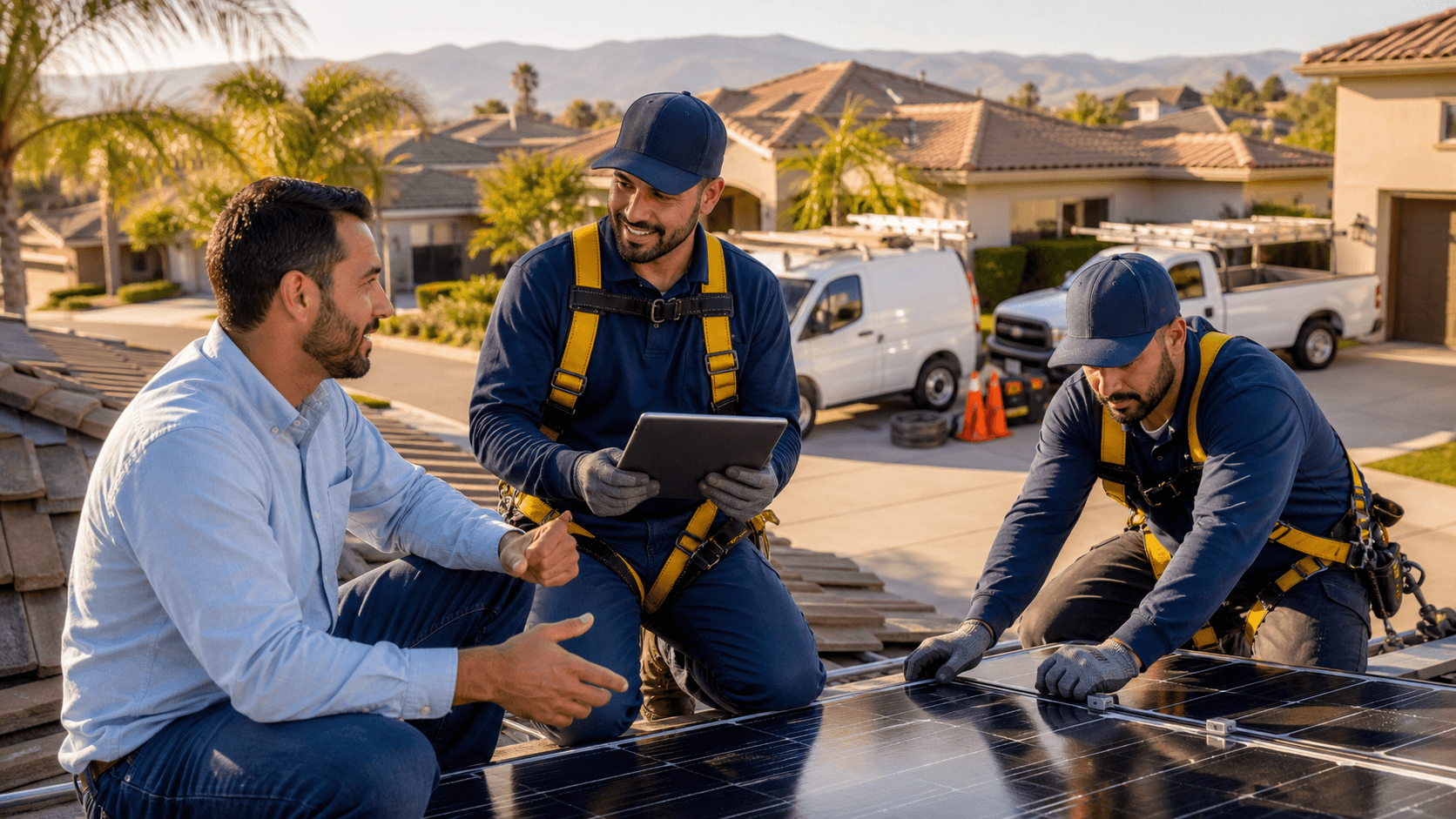
When your installer uses an in-house crew, not subcontractors, the people who built your system know exactly how it is wired and how the monitoring was set up. A local Temecula team that did the full install can look at your data, explain what is normal for each season, and spot issues faster because they know the layout of your home and roof.
Understanding PTO Delays with Southern California Edison
Permission to Operate, or PTO, is the green light from Southern California Edison that lets you legally turn on your solar system and send power to the grid. Until PTO is granted, your system is basically in waiting mode.
As more people across the area go solar in spring and early summer, PTO timelines can stretch out. That can feel frustrating when the sun is shining and your system is just sitting there.
If PTO is taking longer than you were told, ask:
- Has all required paperwork been submitted to SCE, and on what dates?
- Who is my main point of contact for PTO updates?
- How often will I get status updates?
- What happens if SCE requests changes or an extra inspection?
An experienced Temecula installer who has worked with SCE and local inspectors for many years knows the common holdups. They know which forms are usually flagged, how to prep for inspections, and how to respond if the utility asks for changes.
When the same licensed and certified in-house team handles the project from design to paperwork, there are fewer hand-offs and fewer chances for details to get lost. That can help keep PTO moving and shorten delays that come from miscommunication.
Getting Clear on Warranties and What They Actually Cover
Solar warranties can feel confusing, but they usually fall into three main buckets:
- Equipment warranty: Covers the panels, inverter, and other hardware if they fail due to defects.
- Workmanship or labor warranty: Covers the installation work itself, like roof penetrations, wire runs, and connections.
- Performance warranty: Covers how much power the panels are expected to produce over time.
Workmanship coverage is especially important during your first couple of hot seasons. That is when wiring or roof issues are most likely to show, and you want to know that the people who installed everything will take care of it.
Ask your installer these warranty questions:
- If something fails, do I call you first, or the manufacturer?
- Who actually files the warranty claim?
- Who comes to my home, removes the bad part, and installs the new one?
- What, if anything, will I pay for during a warranty visit, like labor or shipping?
- During peak season, what is the normal response time for a maintenance or warranty visit?
If an installer uses a lot of subcontractors, warranty support can turn into finger pointing. One group might say it is a manufacturer issue, another might say it is an install issue.
When the same in-house, insured technicians handle your diagnosis, paperwork, and repairs, the process is simpler. You have one team that knows your system, can speak with the manufacturer, and then comes out to replace parts if needed, all under the umbrella of your warranties.
Who Actually Services Repairs, Cleaning, and Maintenance
A very common surprise after installation is the "Who do I call now?" moment. The salesperson is gone, the install crew has moved on, and you are left guessing who handles repairs or cleaning.
In our area, it does not take long for dust, pollen, ash, and general buildup to show up on panels. Long sunny stretches can also put steady stress on equipment. So it helps to know, before summer ramps up:
- Do you use subcontractors for repairs, or are service visits done by your own employees?
- Do you offer scheduled cleaning and inspection services?
- For Temecula's climate, how often do you recommend a professional cleaning or system check?
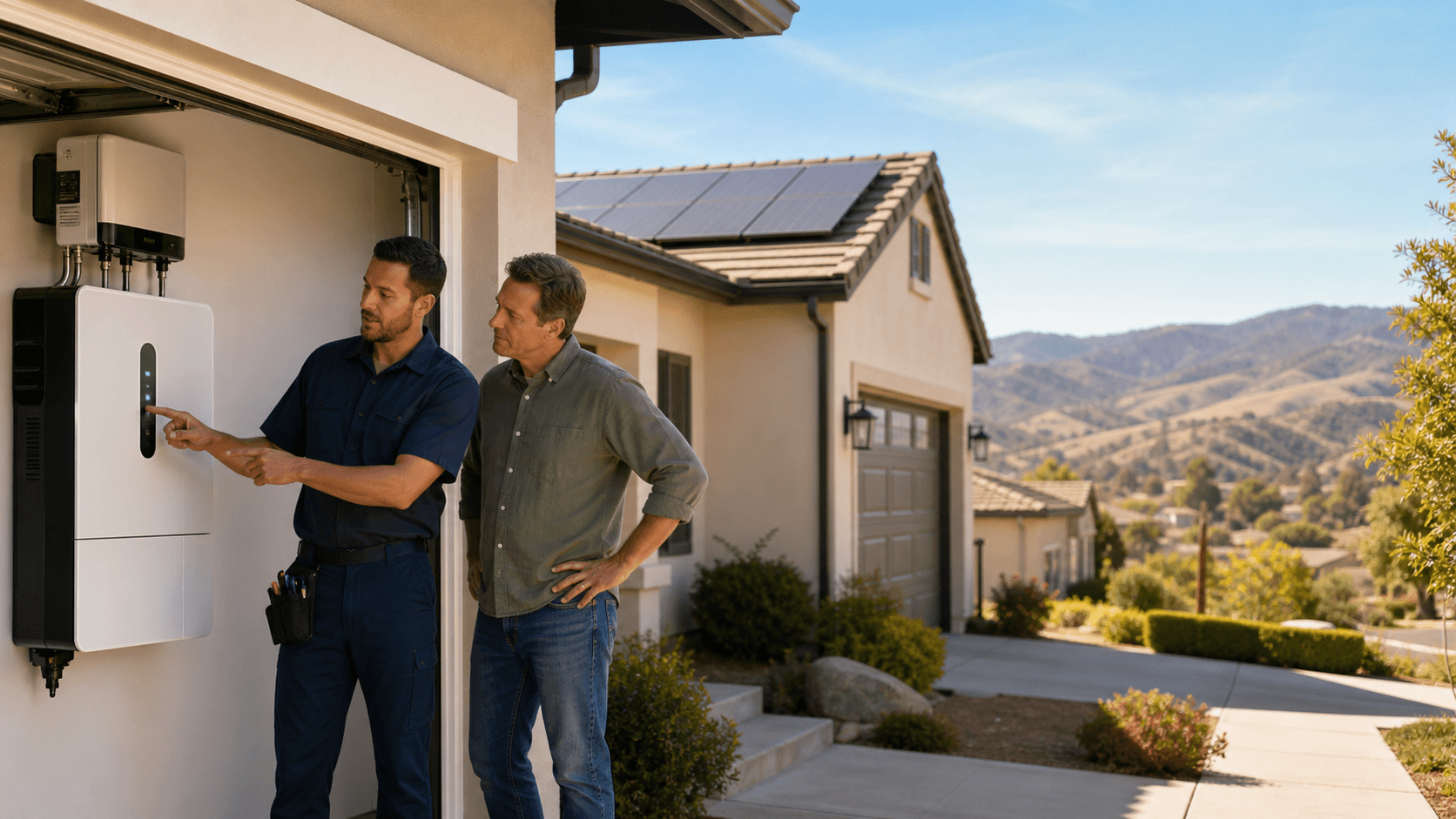
- If I want to add battery storage later, will you handle that integration with your own team?
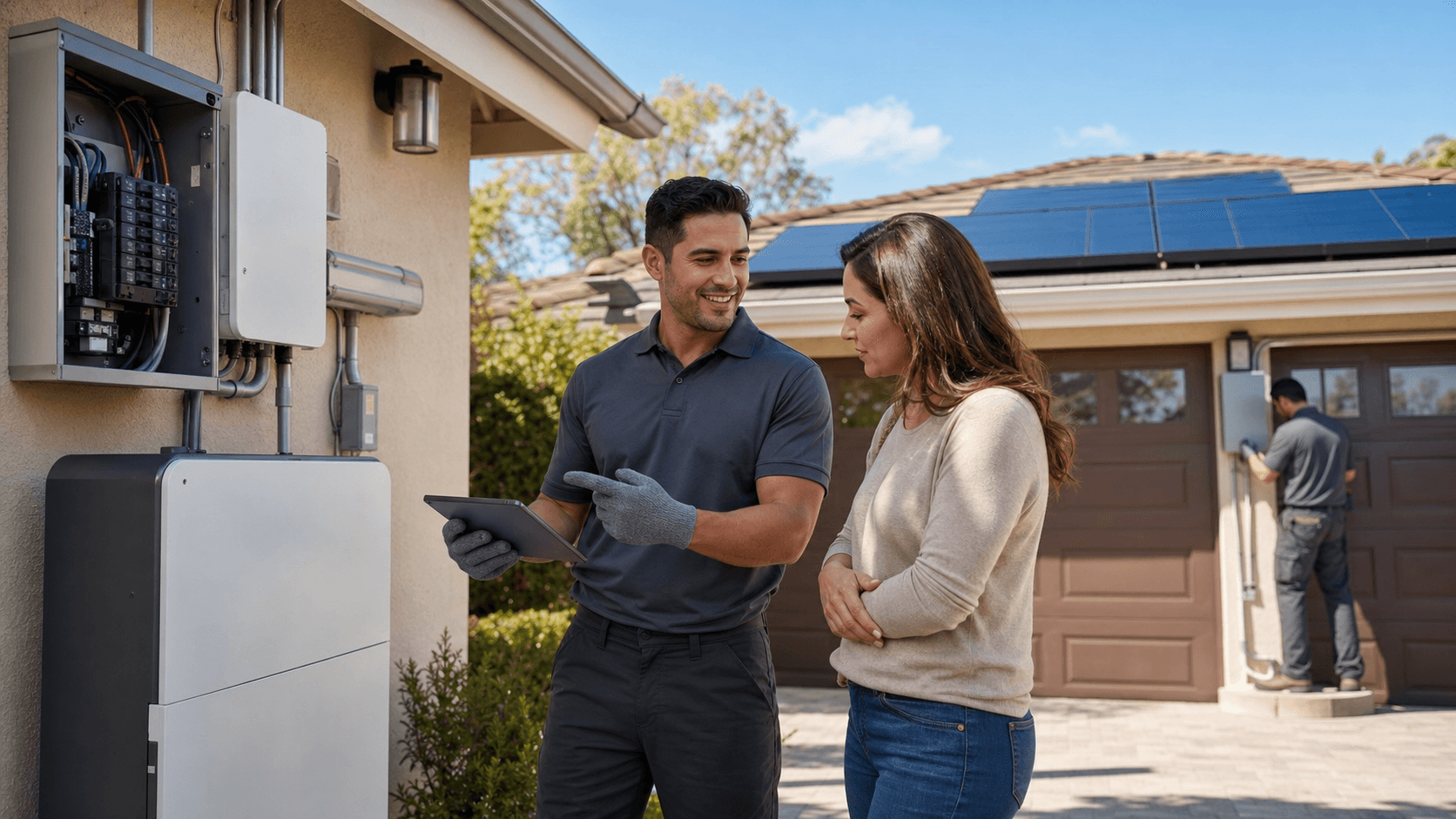
You want one clear local contact who knows your home, your roof type, and how your system responds to our long sunny seasons. That makes it much easier when you notice lower production, a strange alert, or just want a professional to take a look.
A Temecula-based company with an in-house service team can handle troubleshooting, repairs, cleaning, and future upgrades for homes and businesses across Southwest Riverside County. Being licensed, certified, and insured for many years in the same region also means real-world experience with local conditions and how systems age over time on our roofs.
Turn Post-Install Questions Into Long-Term Savings
The time after installation is when your solar system moves from "project" to "part of your home." Four things make that shift smooth:
- Clear, accurate monitoring access
- Good communication about PTO with SCE
- Easy-to-understand warranties and simple claims
- One dependable team that services your system long term
Take a few minutes to check where you stand. Can you open your monitoring app and understand what you see? Do you know your PTO status? Do you have your warranty details in writing? Do you know exactly who to contact for service?
If any of those answers feel fuzzy, it is worth getting help from a local expert. A proven Temecula team with in-house installation, battery storage, repairs, and cleaning, backed by comprehensive warranties, can give you the steady support you need so your solar works as hard as our Temecula sun.
Get Started With Your Project Today
If you are ready to cut energy costs and take control of your power, our expert solar installers in Temecula can design and build a system tailored to your home or business. At Transform Power, we handle everything from the first assessment to final activation so the process stays simple and predictable for you. Reach out today through our contact page and we will follow up to answer questions, review your options, and schedule a free consultation.